Gari
A stereo phaser with a mind of its own. Its notches sweep, wander like weather or find the notes you play.
- Type
- Stereo phaser
- Formats
- VST3, AU and CLAP plug-in, Max for Live device
- System
- Windows, 64-bit; macOS 10.15 or later, Apple Silicon and Intel
- Version
- 0.1.30
Checkout by Creem; the price includes VAT. After buying, Creem e-mails you a link to download a ZIP with VST3 and CLAP for Windows and macOS, AU for macOS, the Max for Live device Gari.amxd and the manual. Terms and refunds
iPad version coming soon
Sound
A phaser takes thin slices out of your sound. Gari decides where they go.
Every phaser cuts notches into the sound and moves them. In most of them a single slow wave sweeps the notches up and down. In Gari that is only the first of three ways to move them.
The first is the classic sweep. The second is weather: every notch wanders on its own slow path that never repeats, so the sound keeps changing without a pulse you could count. The third is the hunt: Gari listens to what you play, finds the strongest notes and settles its notches on them, swaying gently around each one.
The number of stages goes from four, a classic phaser, to ninety-six, a swarm of notches that turns every attack into a soft chirp. Feedback sharpens the notches and lets the peaks between them sing. VIBE lets the phaser's part waver in pitch as it moves, a touch of chorus in the sweep.
With MIRROR on, what the notches take from one side appears on the other, so your playing travels from speaker to speaker. Left and right together are always your dry sound, so the effect never falls apart in mono.
Every preset plays within a decibel of your dry sound. Use it on guitar, synth, keys, drums or voice.
VideosWatch and listen
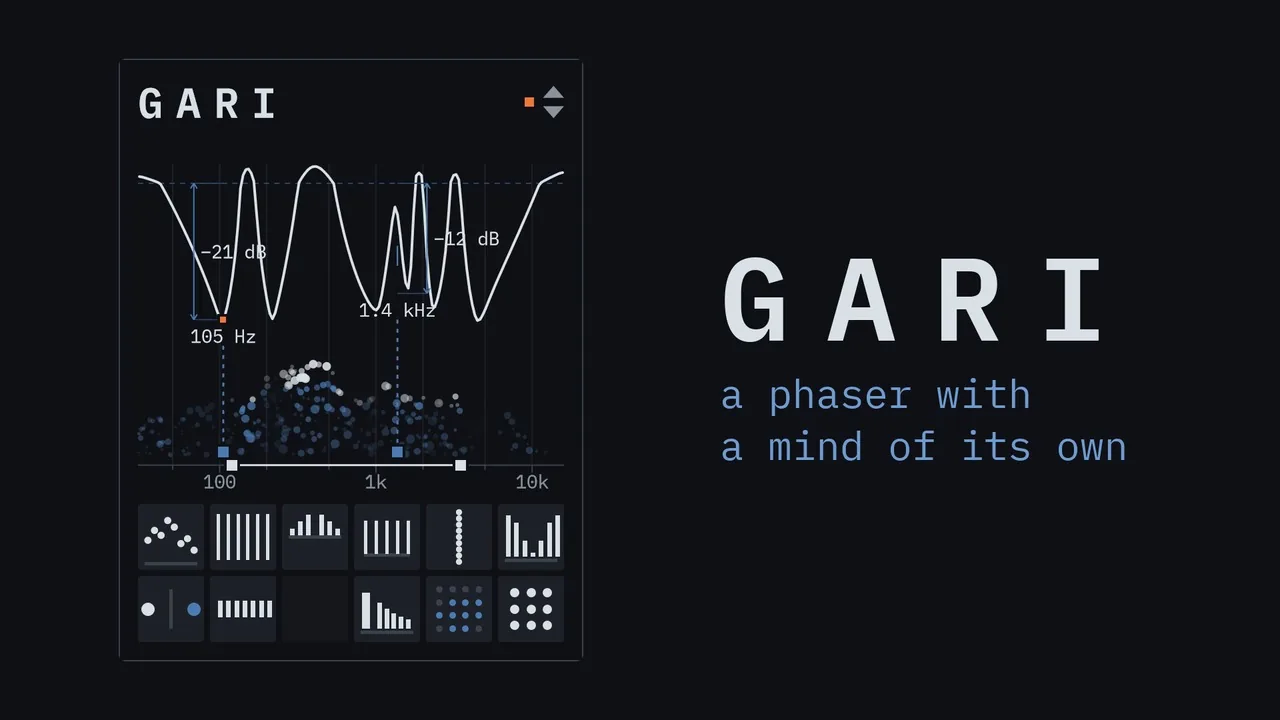
Only the keys, the quick line and their reverb and echo go through Gari; the rest of the track plays as it is.
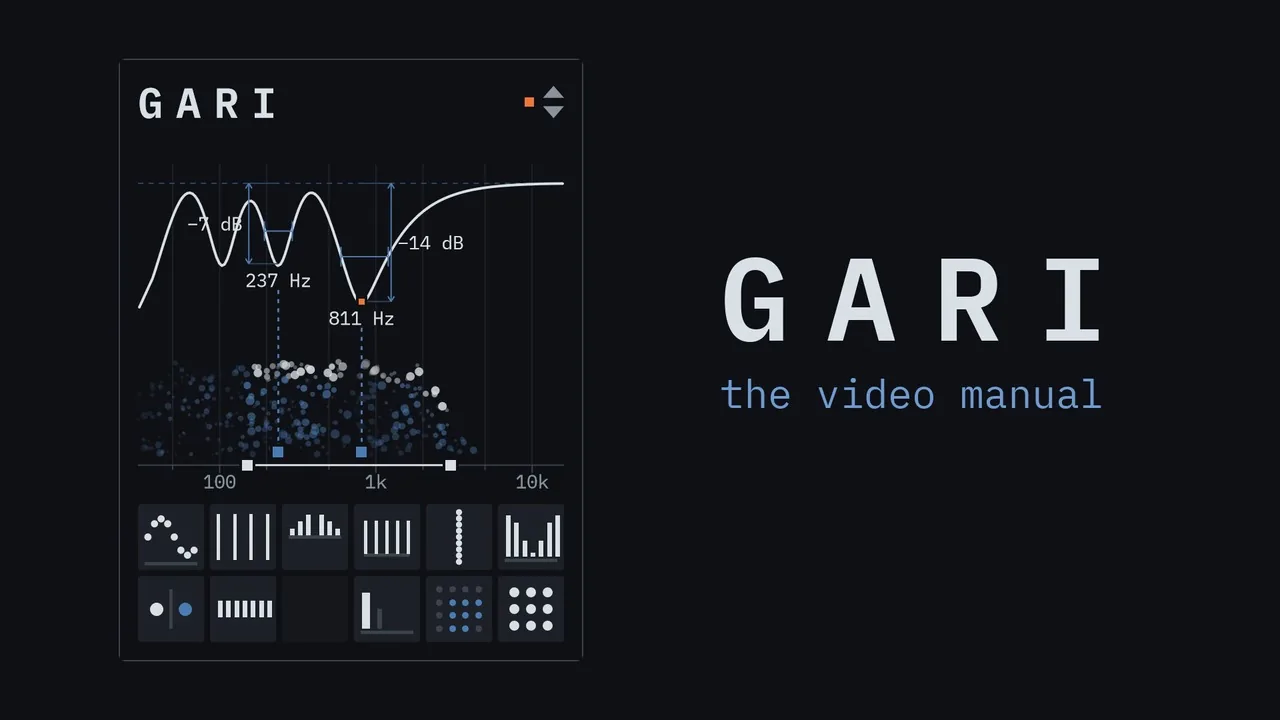
The video manual: each chapter starts dry, then Gari comes in and one control moves.
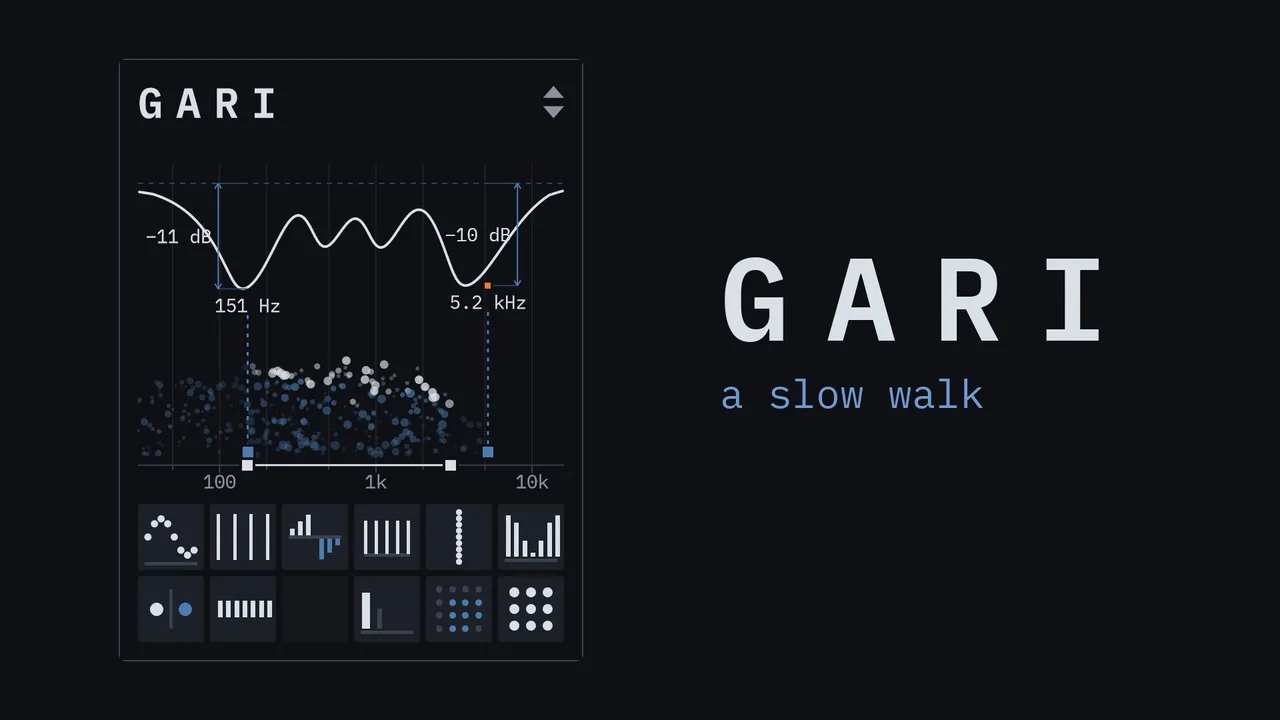
A guitar theme with bass and percussion, while every setting glides through the nine presets.
What you will hearWhy Gari is different
- Sounds travel across
- What one side loses, the other gets: your playing moves from speaker to speaker.
- Safe in mono
- In its mirror mode, fold it to mono and the notches vanish: what is left is your dry sound.
- It finds your notes
- The notches settle on the notes you play and sway around them.
- It wanders like weather
- Every notch drifts on its own slow path that never repeats.
- The classic sweep
- The phaser you know, slow and round, when that is what the song wants.
- Or a swarm
- Dozens of notches smear every attack into a soft chirp.
- Narrow or wide
- Take out a single note, or whole bands of the sound.
- It wavers
- A touch of chorus when you want it: the notches can waver in pitch as they sweep.
- As loud as bypass
- Every preset plays within a decibel of your dry sound, so you hear the effect, not the volume.
WindowA drawing of the sound
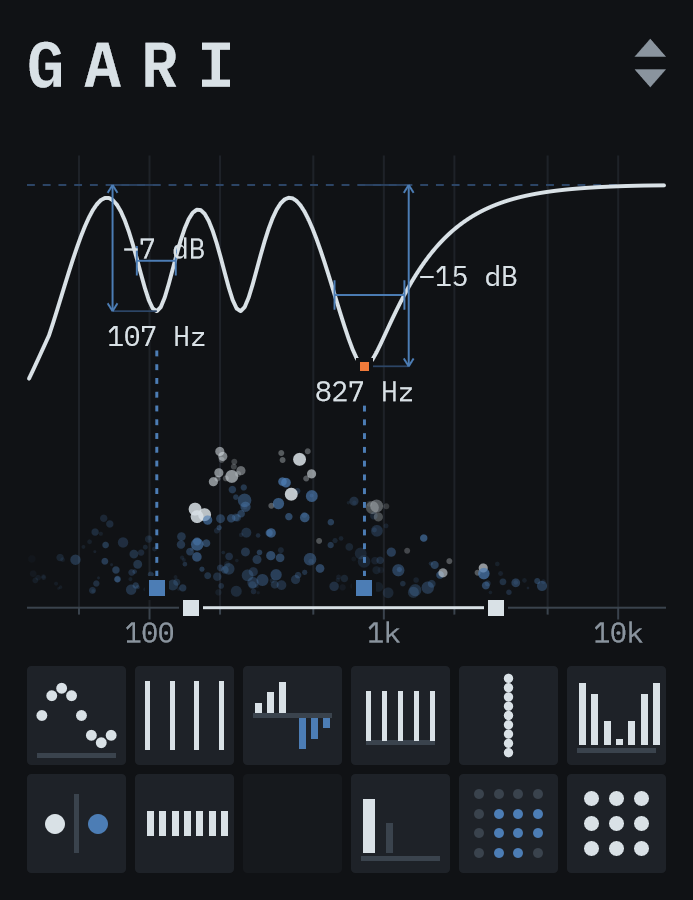
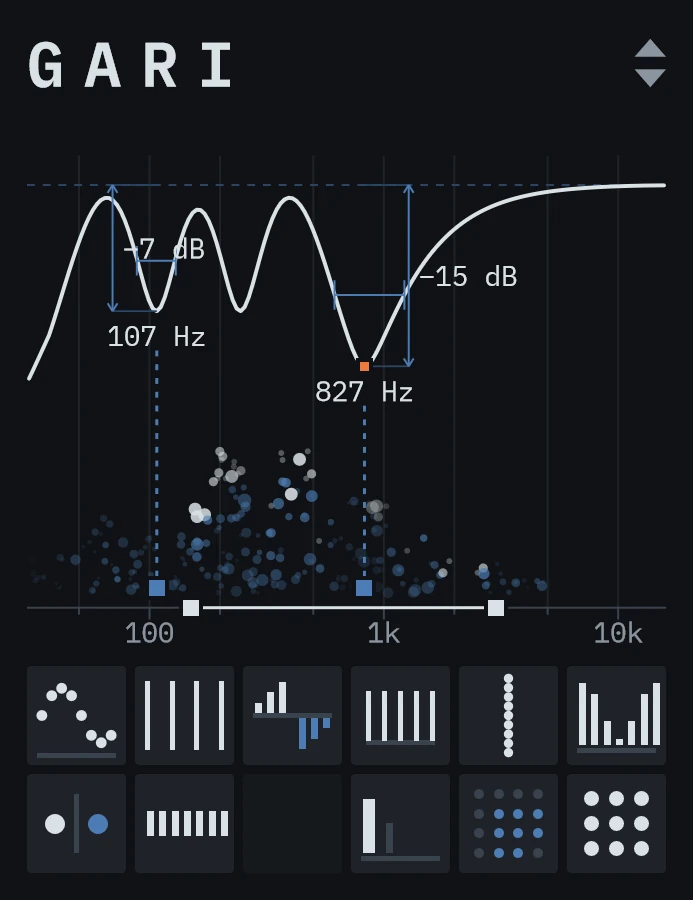
At the top of the window the phaser's curve is drawn like a technical drawing: a thin line under the 0 dB mark, and two notches measured with their width, depth and frequency, following them as they move. Under it the sound rises as particles in three depths and dims where the notches take it away; below LOW and above HIGH, where the notches never go, the particles stay faint. Below sit two rows of squares, each with a picture that changes with its value, and LOW and HIGH are handles on the frequency scale.
Playing it
Drag a square up or down to change it, with Shift for fine moves, and drag the two handles on the scale sideways. Double-click resets a control, the mouse wheel steps it, a click switches MIRROR and steps MOTION.
Reading it
Point at a square or a handle and its name and value appear right next to it, for as long as you stay there.
Size and automation
Drag the edge of the plugin window in your DAW to resize it from 1× to 4×; the size is saved with the project. All 13 controls can be automated from your DAW.
PresetsNine starting points
- MirrorThe default. A slow, classic sweep between 150 Hz and 3 kHz with MIRROR on: what the left side loses, the right side gets, and in mono you hear your dry sound.
- SwarmNinety-six stages sweeping very slowly between 250 Hz and 2.5 kHz, the two sides out of step: a dense, shimmering comb.
- WeatherSix notches, each wandering on its own between 120 Hz and 3.5 kHz, a little feedback, the sides fully apart.
- HunterThree narrow notches find the strongest notes between 150 Hz and 1.5 kHz and sway around them.
- ThrobFour stages moving quickly between 300 Hz and 2 kHz, two and a half times a second, with a little feedback: a classic wobble.
- OrbitTwelve stages over 200 Hz to 4 kHz with MIRROR on and a little more mix: your sound circles from one side to the other and back.
- GlassThirty-two stages sweeping very slowly between 300 Hz and 2.5 kHz, with feedback: a dense comb with singing peaks.
- DriftEight notches, each wandering very slowly on its own between 150 Hz and 5 kHz, the sides apart.
- HazeSix notches, each wandering on its own between 150 Hz and 3 kHz, with VIBE at 100%: everything drifts and wavers.
Click the arrows at the top right of the window for the list, with each preset's motion and number of stages beside it. Your DAW sees the presets as programs.