
Dvali
A long, dark reverb in stereo. It turns a held chord into a wide drone that slowly breathes, and its second face, Ymur, wears it down to lo-fi. We’d hate to call it a reverb unlike any other… but it is a reverb unlike any other.
- Type
- Stereo reverb
- Formats
- VST3, AU and CLAP plug-in, Max for Live device
- System
- Windows, 64-bit; macOS 10.15 or later, Apple Silicon and Intel
- Version
- 0.2.44
Checkout by Creem; the price includes VAT. After buying, Creem e-mails you a link to download a ZIP with VST3 and CLAP for Windows and macOS, AU for macOS, the Max for Live device Dvali.amxd and the manual. Terms and refunds
iPad version coming soon
Sound
Play a chord and it stays in the air: dark, wide and slowly moving, for up to a minute.
Dvali is Icelandic for dormancy, a long, deep sleep: the sound drifts off into a dark drone and stays there.
Its space is sixteen delay lines feeding one another. A slow bloom stands in front of them, so a note does not hit the space at once: it swells into it, and its attack melts into the cloud.
The space is dark by design. Its highs die away faster than its body, and a steep wall at the top, 48 dB per octave, leaves it dense and soft. The filters shape the space only: the dry signal passes untouched.
Nothing in it stands still. Every line drifts at its own slow pace, so held notes blur into a chorus, and a tremolo pulses through the space: a barely felt shiver in the default preset, a slow breath, or hard, chopped beats.
The default is fully wet, ready for a send. On an insert, bring the mix down: up to the middle, the dry signal stays at full level. Use it on guitar, synth, keys or voice.
Two facesDvali and Ymur
One plugin, two faces. The MODE square switches between them.
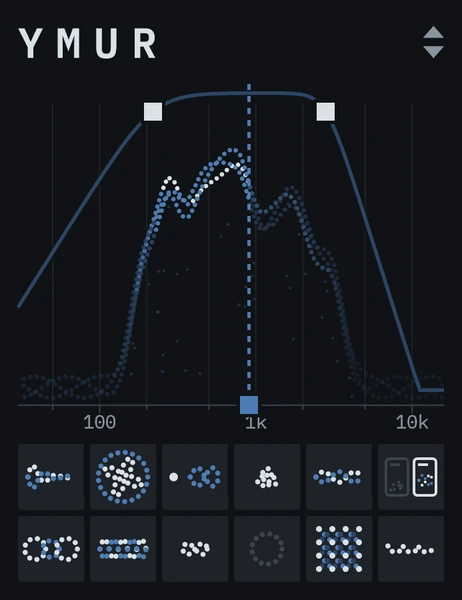
Ymur is Icelandic for a distant, dull murmur. It is Dvali's lo-fi sibling: the same dark space of sixteen lines, worn down further. Notches sweep through it and turn its tone (SWIRL), its pitch sways (WAVER), and both move with the pulse at one shared RATE.
In Ymur, HIGH CUT trims the dry signal too, so the whole sound loses its top, not only the reverb: set high it is a steep cut, set low a gentle, worn fade. Ymur keeps its own level as the filters take away, so it has no LEVEL square: WAVER stands in its place and SWIRL in FEEDBACK's.
Each face keeps its own settings and its own presets. Switch to Ymur and back, and Dvali is as you left it; the first time, each opens on its default preset. Each face looks its own too: Dvali's spectrum rises as particles, Ymur's as a plait of dotted threads, with knots and rings in its squares.
VideosWatch and listen
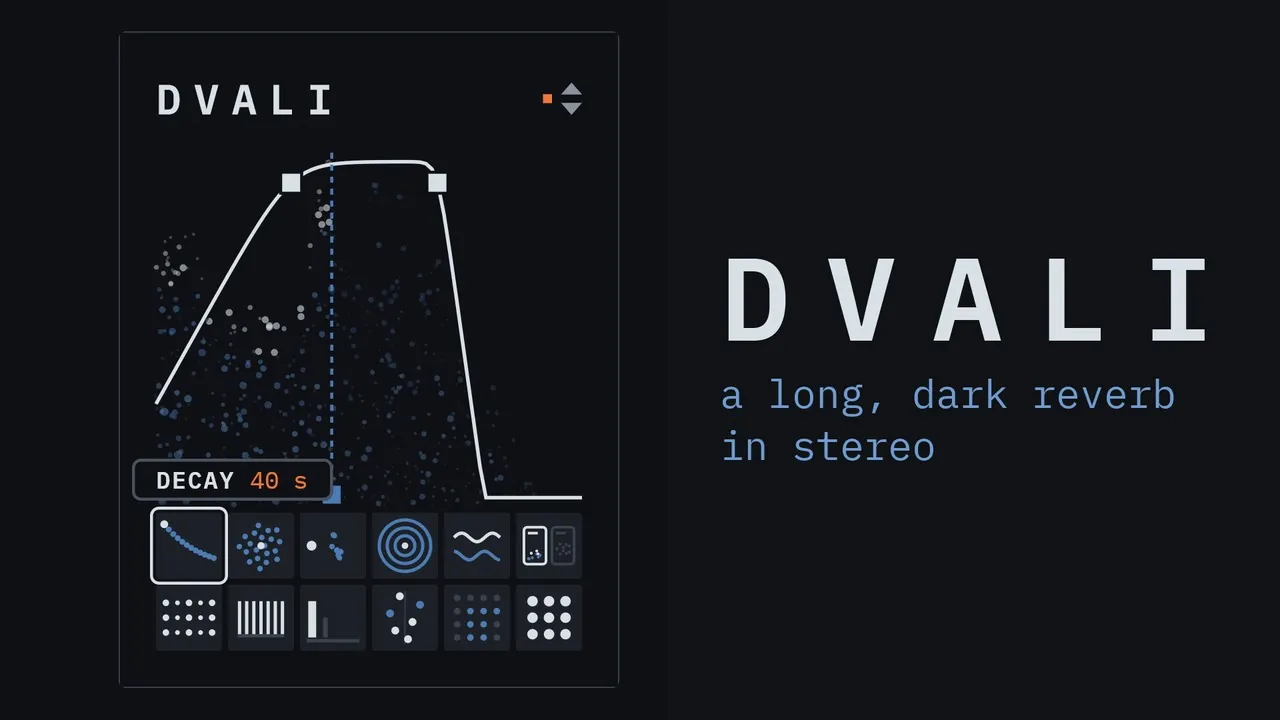
The keys of a slow song through Dvali's presets, then Ymur's, and back.
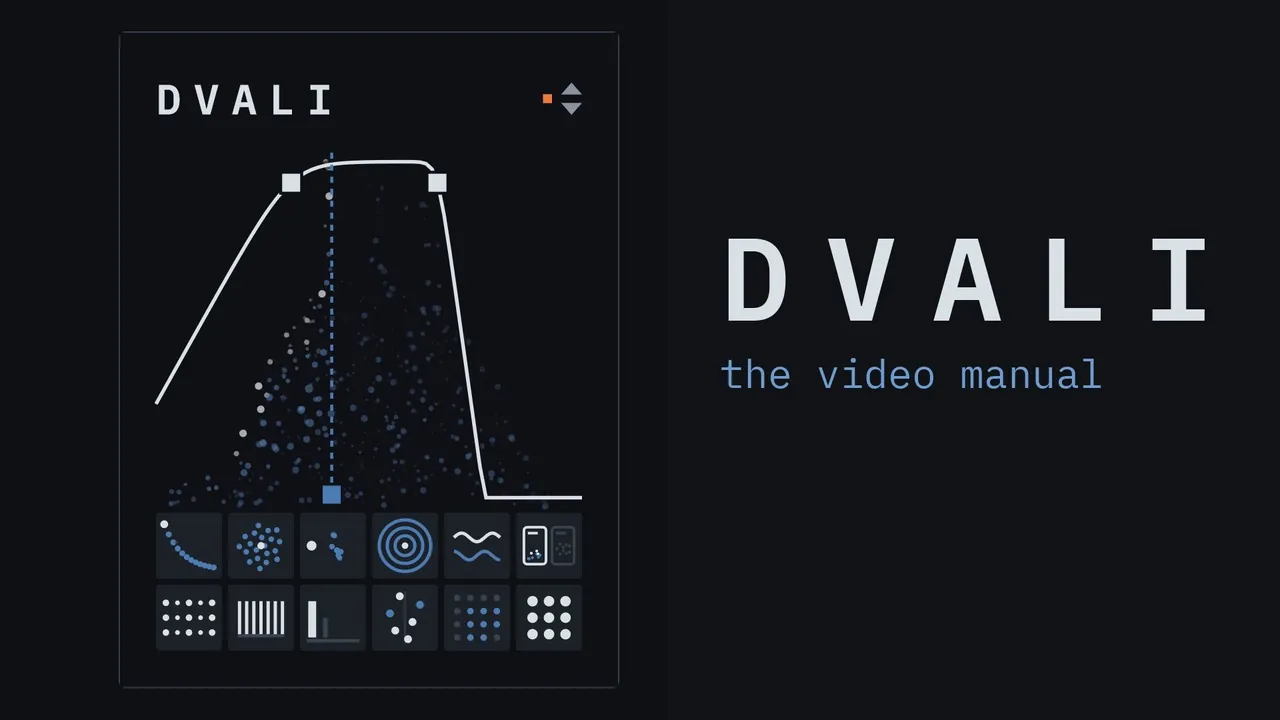
The video manual: 22 chapters, each from the dry sound to Dvali set to show one control.
What you will hearIn Dvali and in Ymur
- Your chord stays in the air
- Play it once and it keeps sounding while you play on.
- Dark, not shiny
- No glassy sparkle on top: the sound turns warm and deep.
- It swells, it doesn't hit
- Notes bloom into the cloud and the attacks melt away.
- It never stands still
- The cloud drifts and shimmers, slowly, like breath.
- It breathes
- A soft pulse moves through the cloud while your playing stays steady.
- Wider than your speakers
- It wraps around you, the low notes too.
- Darker as it fades
- The highs go first, so every tail sinks into shadow.
- It swirlsYmur only
- Its tone turns in slow waves, the bands rising and falling in turn.
- It waversYmur only
- The pitch of the cloud sways: a slow drift or a quick shiver.
- Worn all the way throughYmur only
- Not only the cloud: your playing loses its top too.
- It keeps its levelYmur only
- Darken it as far as you like and it stays as loud.
WindowPictures instead of knobs
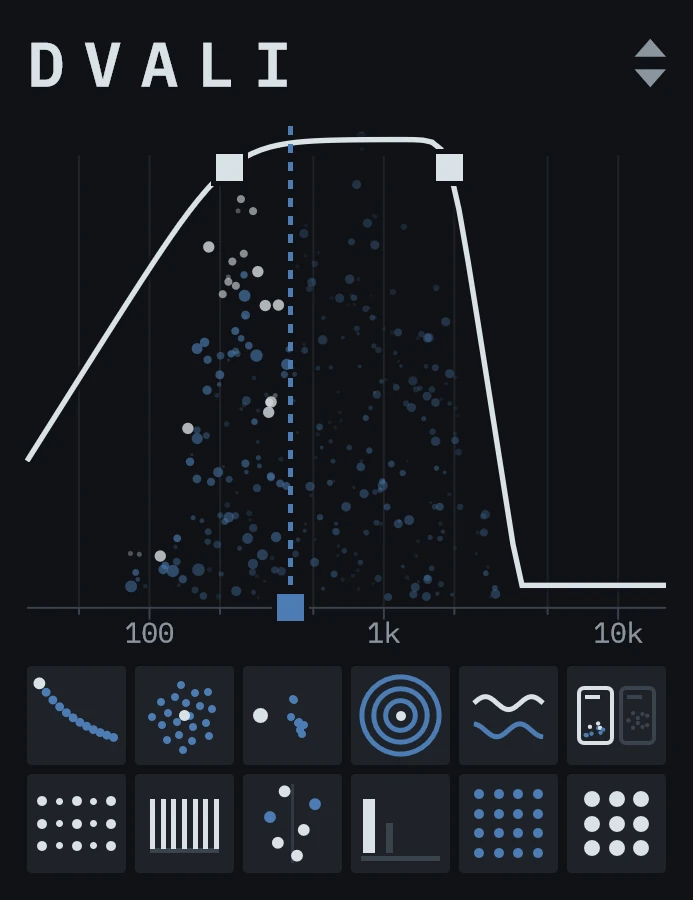
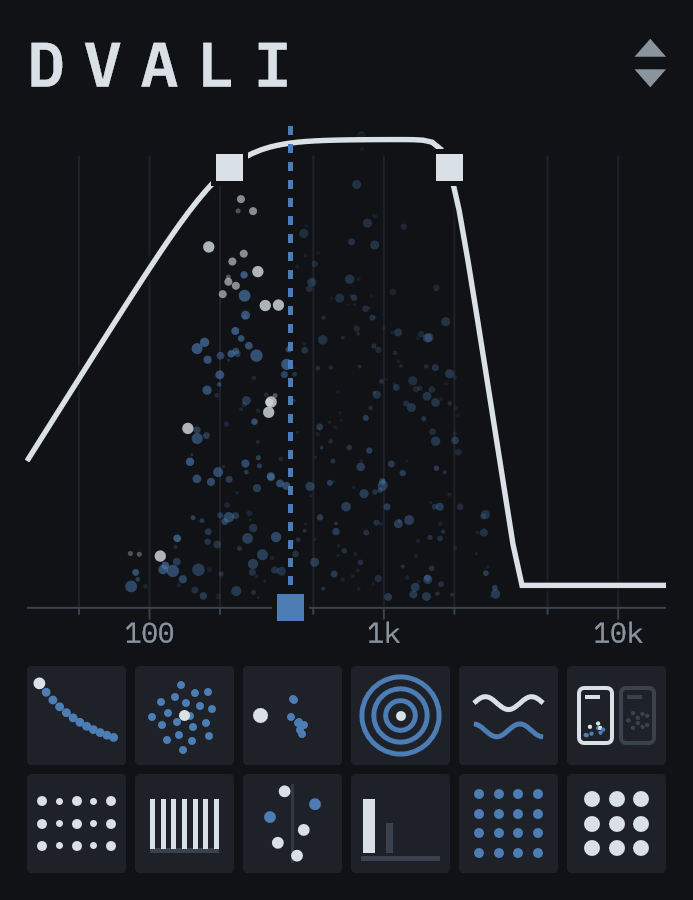
At the top of the window the sound of the space rises under the shape of the filters: as particles in three depths in Dvali, as a plait of dotted threads in Ymur. Past the damping line it fades, and it breathes with the tremolo. Below sit two rows of squares, each with a picture that changes with its value, and the three filters have handles on the curve above. The last square of the top row is MODE: two small windows, the face that plays lit.
Playing it
Drag a square up or down to change it, with Shift for fine moves, and drag the three handles on the curve sideways. Double-click resets a control and the mouse wheel steps it. Click MODE to switch faces, and the arrows at the top right for the presets of the face that plays; the manual describes every one.
Reading it
Point at a square or a handle and its name and value appear right next to it, for as long as you stay there.
Size and automation
Drag the edge of the plugin window in your DAW to resize it from 1× to 4×; the size is saved with the project. All 17 controls can be automated from your DAW, MODE too; a control the playing face does not use does nothing.
Downloads
VST is a trademark of Steinberg Media Technologies GmbH. Audio Units and macOS are trademarks of Apple Inc. Ableton and Max for Live are trademarks of Ableton AG. Max is a trademark of Cycling ’74.